eTIM Smartview Link
Detailed description of API:
Version & Updates
View Previous Revisions
| Version | Revision Date | Revision History |
|---|---|---|
| 1.0 | 7th Mar 2024 | New Release |
| 1.1 | 11th Mar 2024 | Modified the dealer portal route and updated the direct eTim Smart View URL |
| 1.2 | 21st Jan 2026 | Renamed from “Basket of Jobs” to “eTIM Smartview Link” |
| Version | Revision Date | Revision History |
|---|---|---|
| 1.3 | 25th Jun 2026 | Refreshed portal screenshots to align with recent interface updates. |
Overview
eTIM Smartview Link provides a link with direct access to CNH's internal view of the machine. Providing: Guided Procedures, Maintenance Information, and PIP details.

Pre-requisites
Pre-requisites
- Dealer must use their Dealer Portal credentials to authorize API call.
- Each DMS provider will have a subscription_key assigned by CNHi team, please reach out to dlnadmssupport@cnh.com for assistance
- Each Subscription key is unique to DMS and the environment it belongs to
- Based on the payload (XML/JSON), user to pass the content-type in the header
Authentication
Authentication
- DMS will pass Basic auth in HTTP header with username/password
- Each DMS provider will have a subscription_key assigned by CNHi team, please reach out to dlnadmssupport@cnh.com for assistance
- The UserID and Password will be set up in the Dealer Portal by the Dealer uniquely for DMS access to interfaces
- DEP API will require subscription_key in HTTP header to identify client
eTIM Smartview Link
There are a range of services facilitated through eTIM, with key features integrated into the DMS through Smart View. These include:
- Technical Alerts
- Maintenance
- PIPs (Product Improvement Program)
- Knowledge Articles
- Guided Procedures
When generating a Work Order, dealers can consult this page for additional information, such as Technical Alerts, PIPs (Product Improvement Programs), Knowledge Articles, and more.
Accessing eTim's SmartView Page
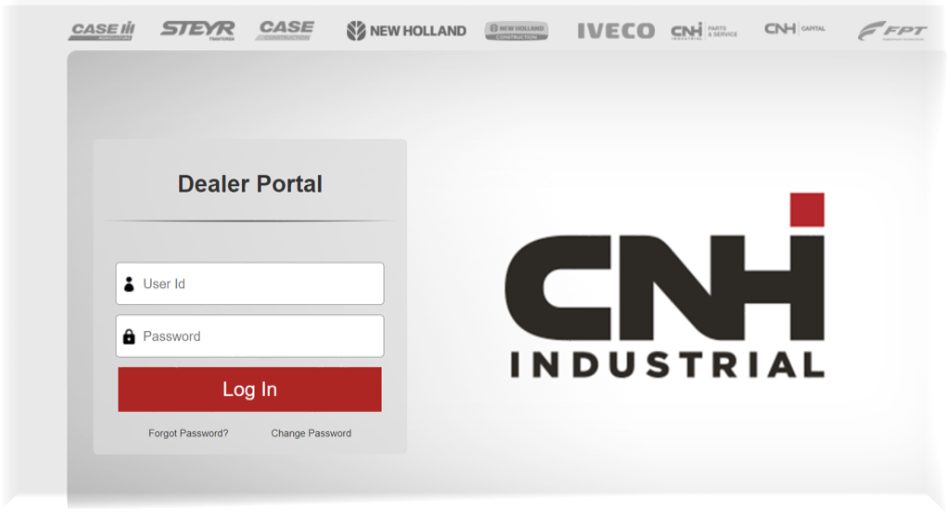
Accessing via URL, using Dealer Portal credentials
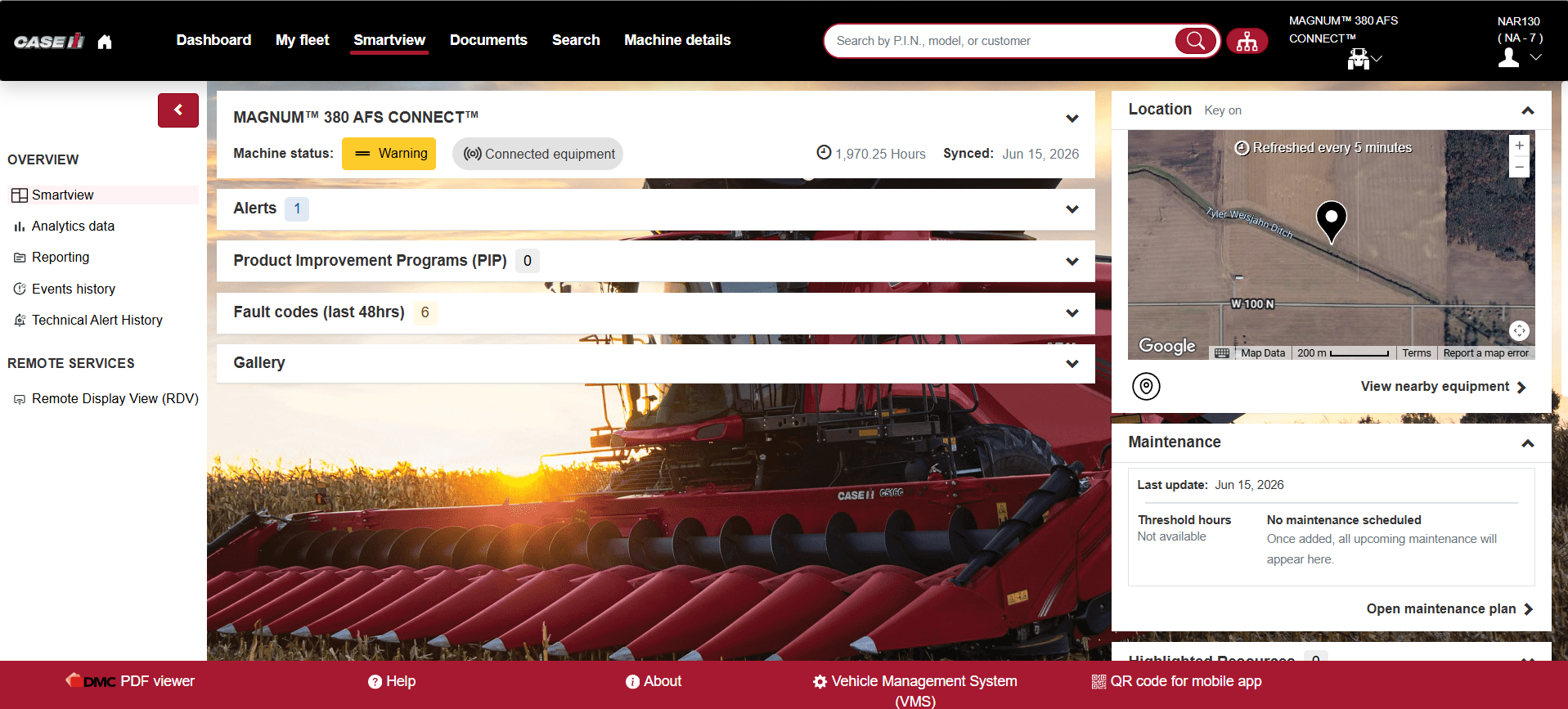
Sample Display of Agriculture (AG) Vehicle in SmartView
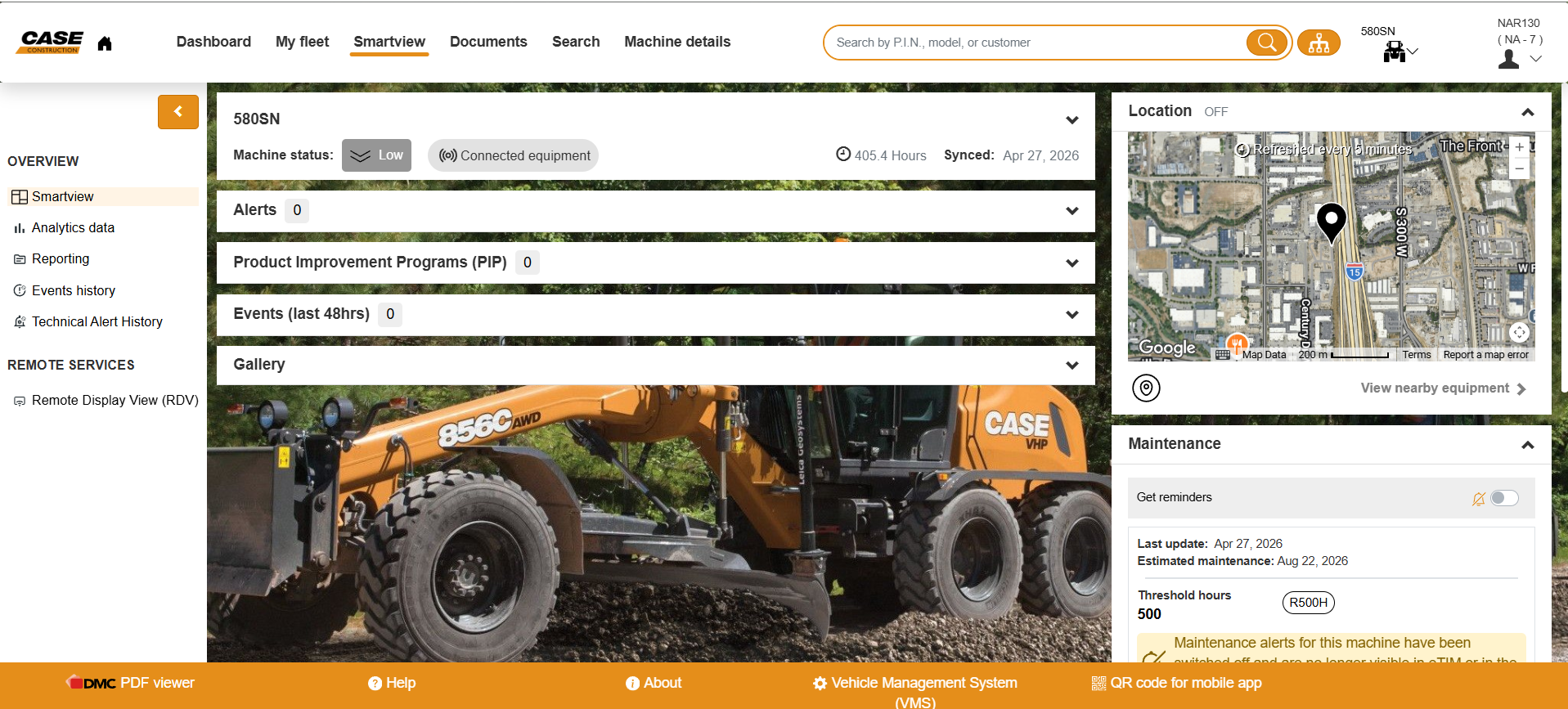
Sample Display of Construction (CE) Vehicle in SmartView
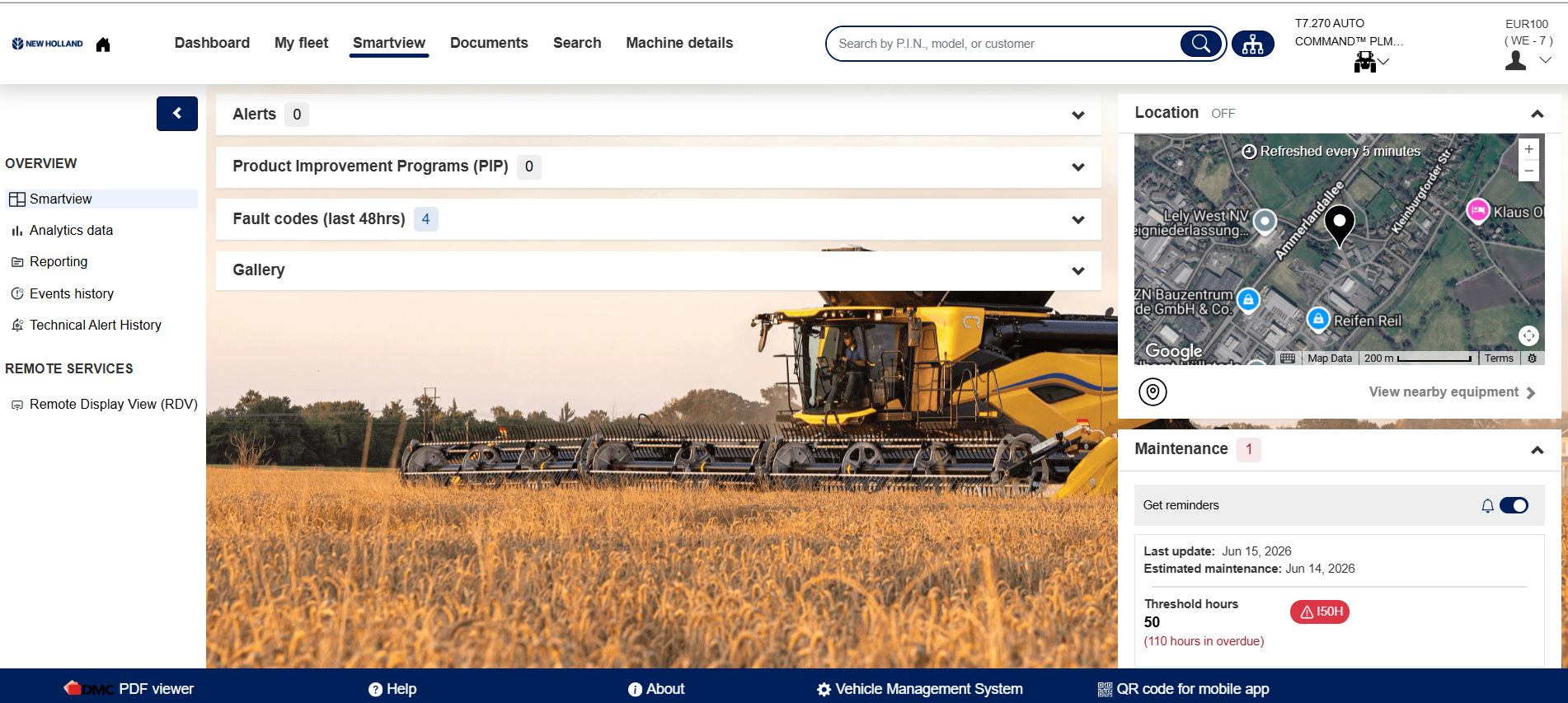
Sample Display of New Holland (NH) Vehicle in SmartView